Link your accounts
Your Discord account is your login on the site. A League of Legends account is optional.
Log in on the site
- Press Log in with Discord at the top of any page, and allow it on Discord's screen.
- You land on Your servers: every server you share with the bot. Pick one to see its pages.
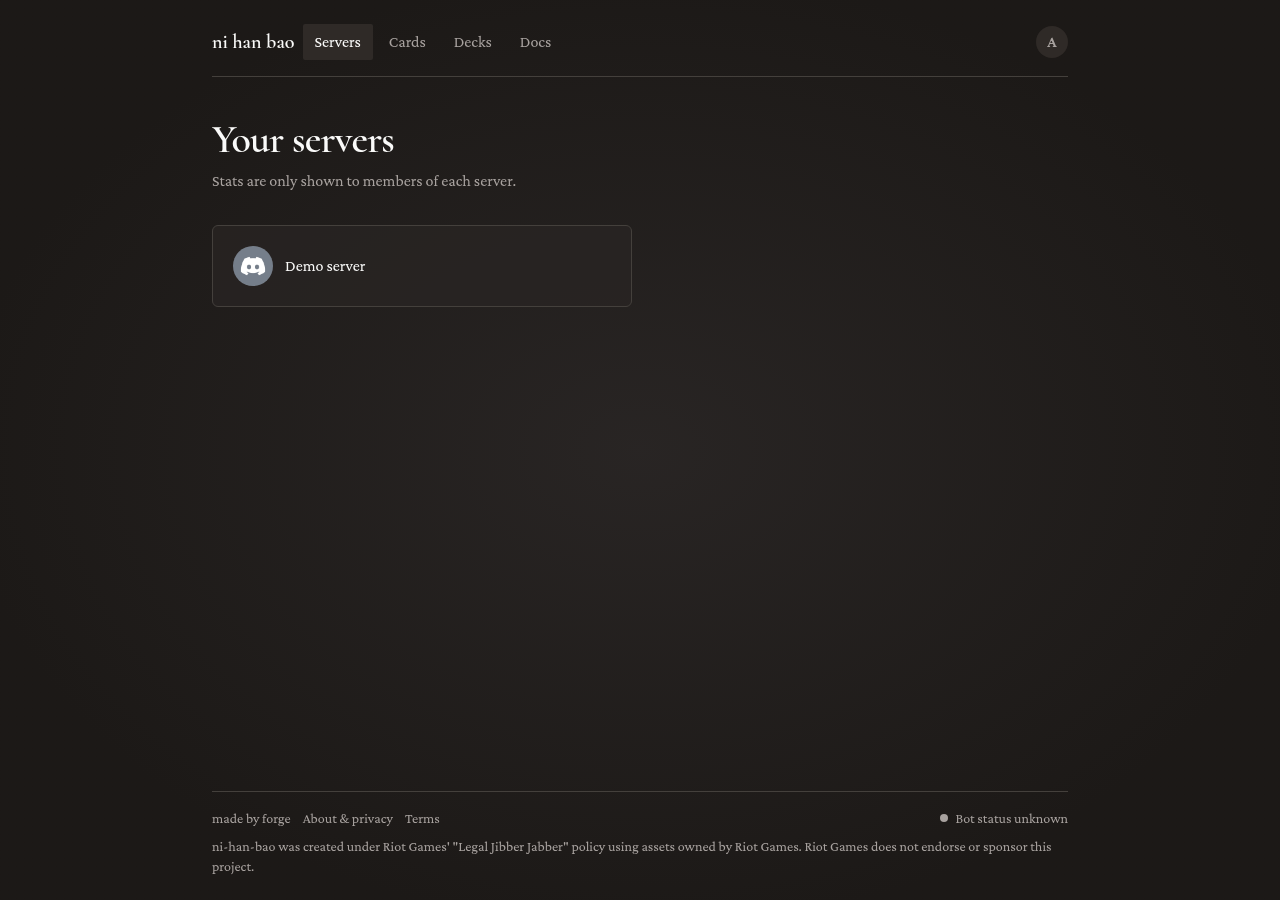
Each server's pages are for its members only. Someone who is not in the server gets a "not found" page.
If your server is not in the list (or you see "The bot is not in any of your servers yet"): check the bot is in that server; add it if you can. Just added or just joined? Give the bot a minute to see you, then reload. After /forget-me, use /show-me first.
Your profile
Open the account menu (your avatar, top right) and pick My profile. It shows your activity in every server you are in, and your Riftbound collection, loans and wishlist, as others see them. To manage those, use My collection, My loans and My wishlist under Riftbound.
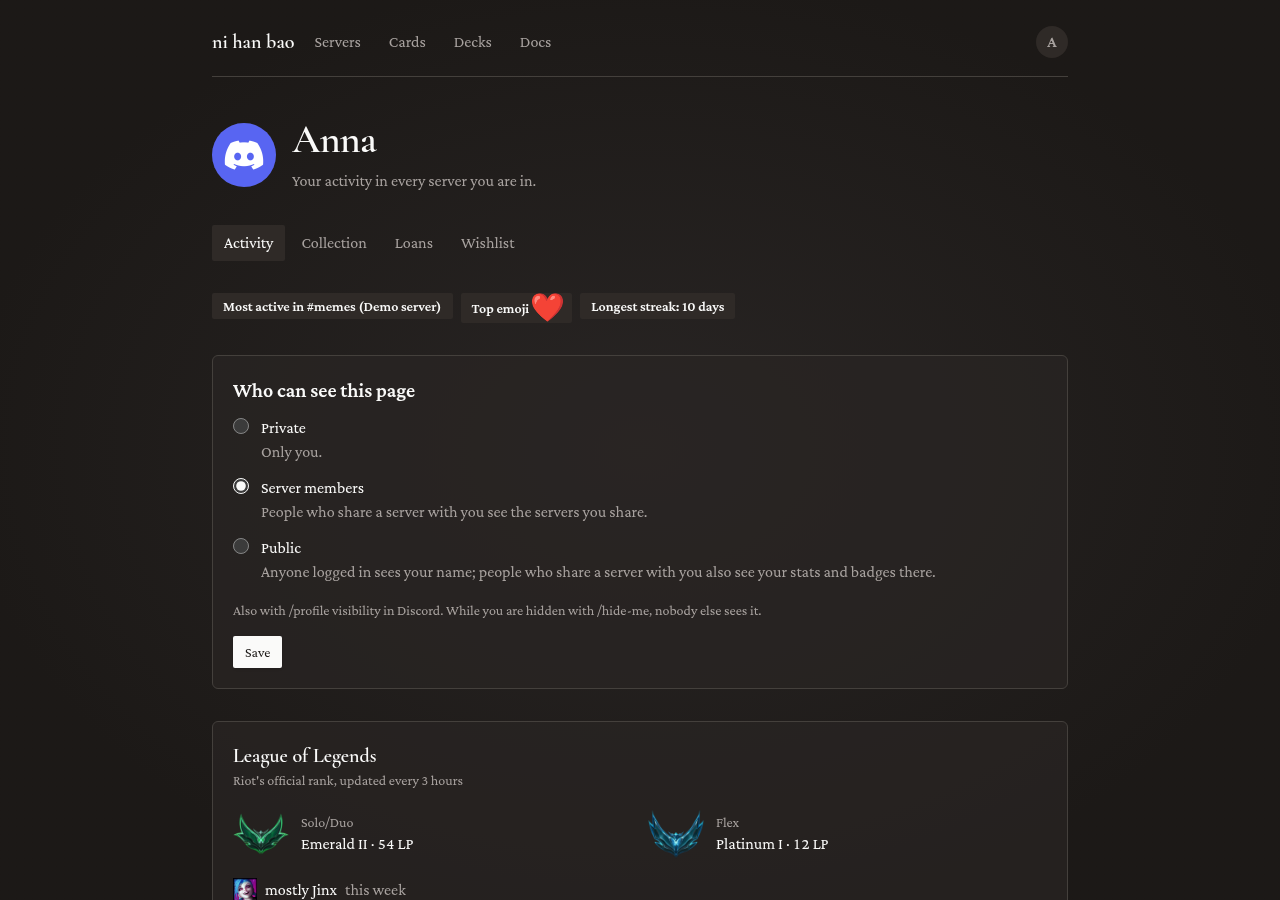
Who can see it is up to you, with /profile visibility or under Profile on Settings (account menu, Settings):
- Private: only you. This is the default.
- Server members: people who share a server with you, for the servers you share.
- Public: anyone logged in to the website.
To leave the server pages' lists and charts entirely, use /hide-me; /show-me brings you back.
Link a League of Legends account
- Run
/lol link riot-id:GameName#TAG region:Europe West, with your Riot ID as the Riot client shows it. - The bot asks you to set a starter profile icon in League, to prove the account is yours:
You used /lol link
ni han baoAPP
Only you can see this
Set that icon in the League client, wait a minute, and press Verify.
What you should see: "Linked: … is your League account." Your rank then shows on your profile and on the server's Ranked page, and your games in the weekly report.
If you don't:
- "Your icon is not … yet": the icon can take up to 5 minutes to reach Riot's servers. Press Verify again a bit later.
- "There is no Riot account named …": check the name and the
#TAG. - "… has no League account on …": pick the region you play on.
- "Timed out": Verify works for 14 minutes. Run
/lol linkagain.
/lol unlink removes the linked account. You can change your icon back once you are linked.
Delete your data
/forget-me deletes everything the bot stores about you, in every server: your counts, name and avatar, linked account, collection, loans and settings. It asks you to confirm first and cannot be undone. The bot then stops counting you until you use /show-me, and you cannot open the servers' pages until then.
Next: events and stores.