Events and stores
Tell the server where you play and which events you go to, so others can come along.
Add your stores
/store add name:The Card Corner city:Leuvenadds a local game store.linktakes its PlayRiftbound page;gameis Riftbound unless you say otherwise. Give the city only, never an address./store mine store:and pick it from the suggestions: it is one of your regulars. Run it again to unmark it./store listshows the server's stores./store removeremoves one: the member who added it can, or anyone with Manage Server.
Say you are going
Give the event's link, or its store and time:
/event going link:https://…for a PlayRiftbound or Discord event link the bot already knows./event going store:The Card Corner when:2026-10-25 19:00, in the server's time zone.
What you should see: "You are going." for you, and a message for the whole channel with a Going button, so others can join with one click:
You used /event going
ni han baoAPP
Someone is going at The Card Corner (Leuven) on Sat 17 Oct, 19:00.
Coming too? Click Going.
Going
Events made in Discord itself (the server's Events list) are picked up by the bot, and clicking Interested there counts as going.
/event not-going event: and pick the event undoes it.
If you don't:
- "That event is not known yet": add
storeandwhenas well, and the event is added. - "That store is not on this server's list": pick one from the suggestions, or add it with
/store addfirst. - "The link must be a full https:// address": paste the whole link, starting with
https://.
On the site
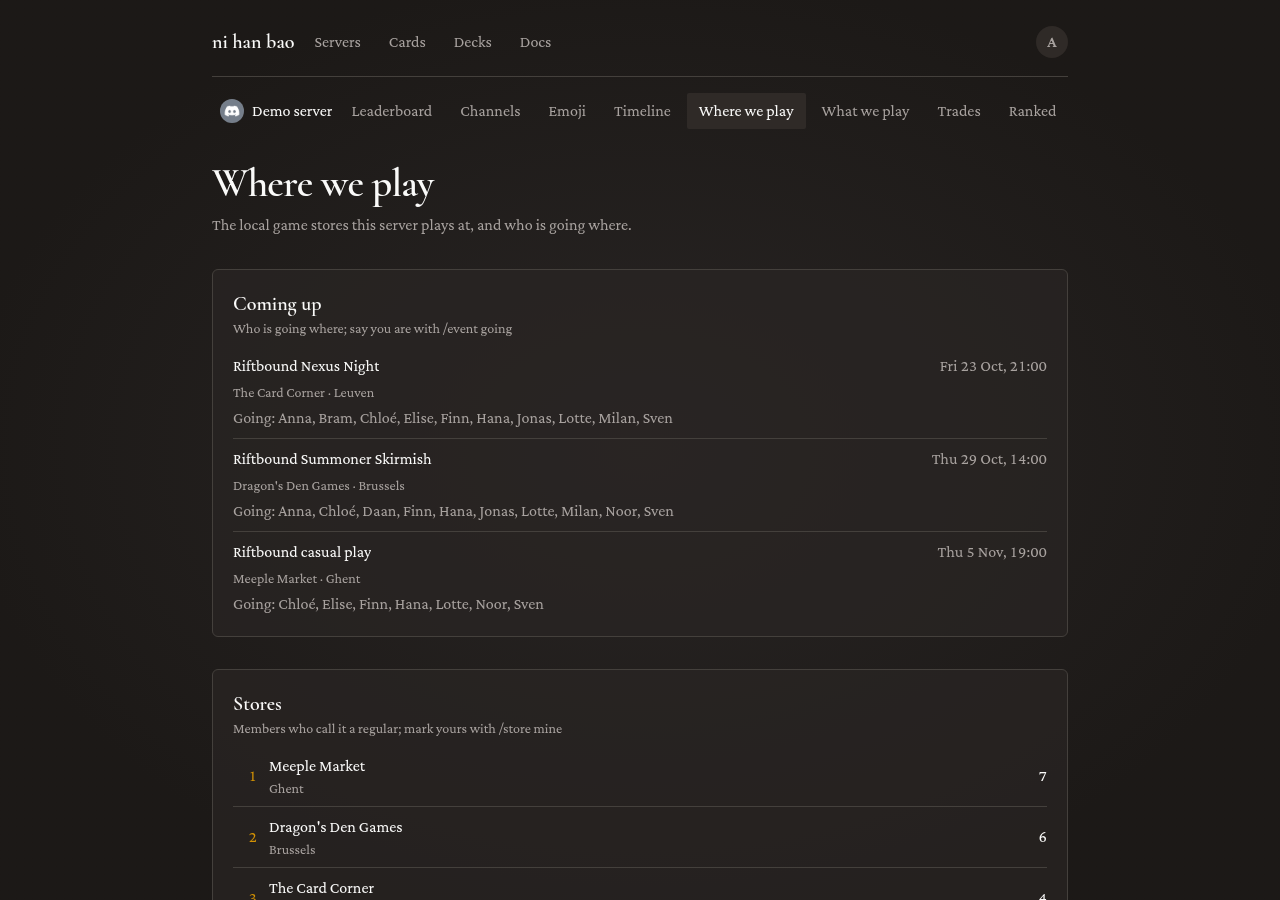
The server's Where we play page lists the stores, their regulars, and under Coming up who is going where. The weekly report lists the coming week's events too.
Next: Riftbound.